A warehouse for your online shop
On Monday morning you have 30 orders from the weekend. You search the shelves and lose time. And a wrong product in a parcel means a return and an unhappy customer. The CG Shops warehouse tells you where each product is and in which order to pick it.
How it works
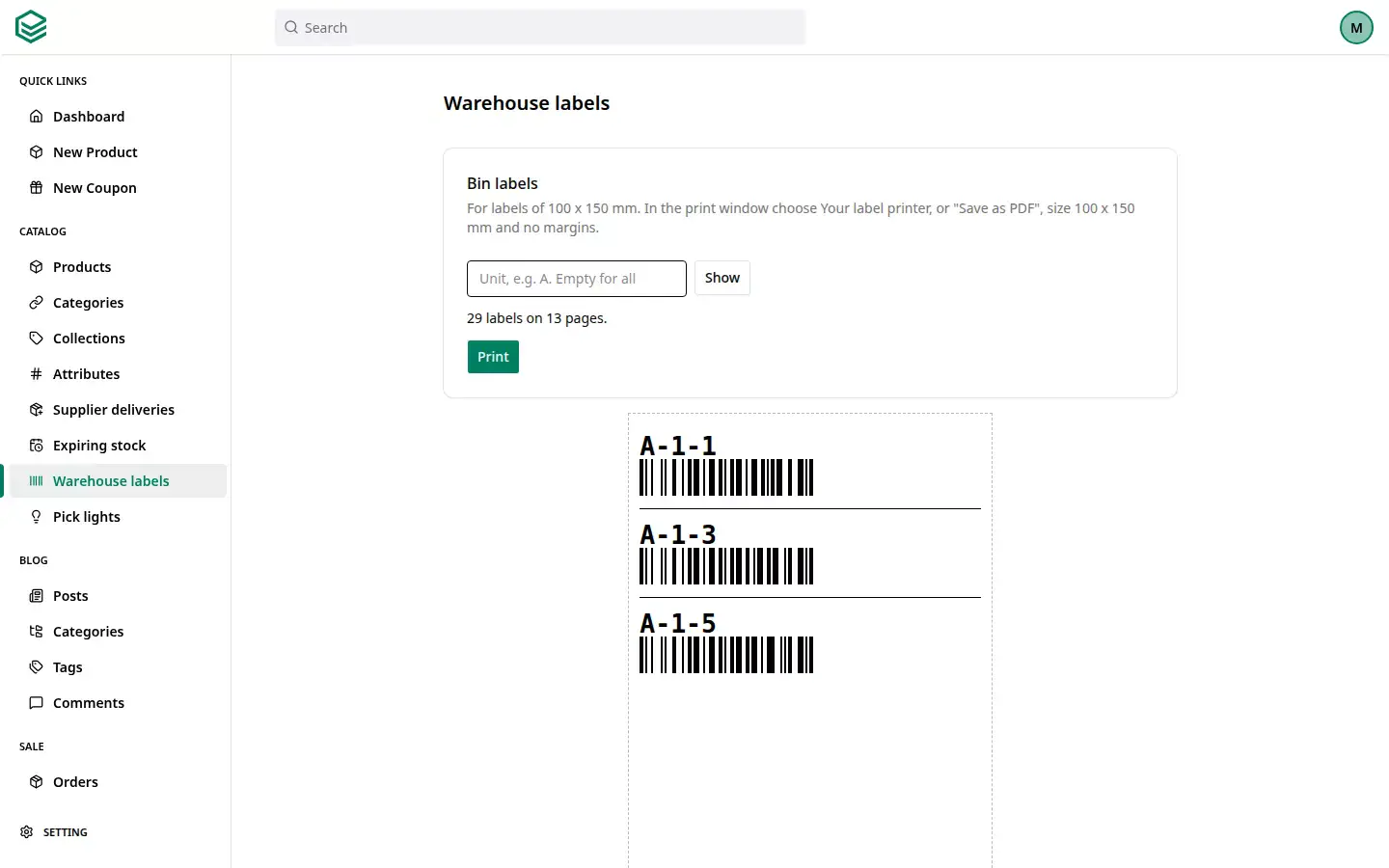
- You give every product a place. For example A-2-5: unit A, shelf 2, bin 5. You print labels for the shelves.
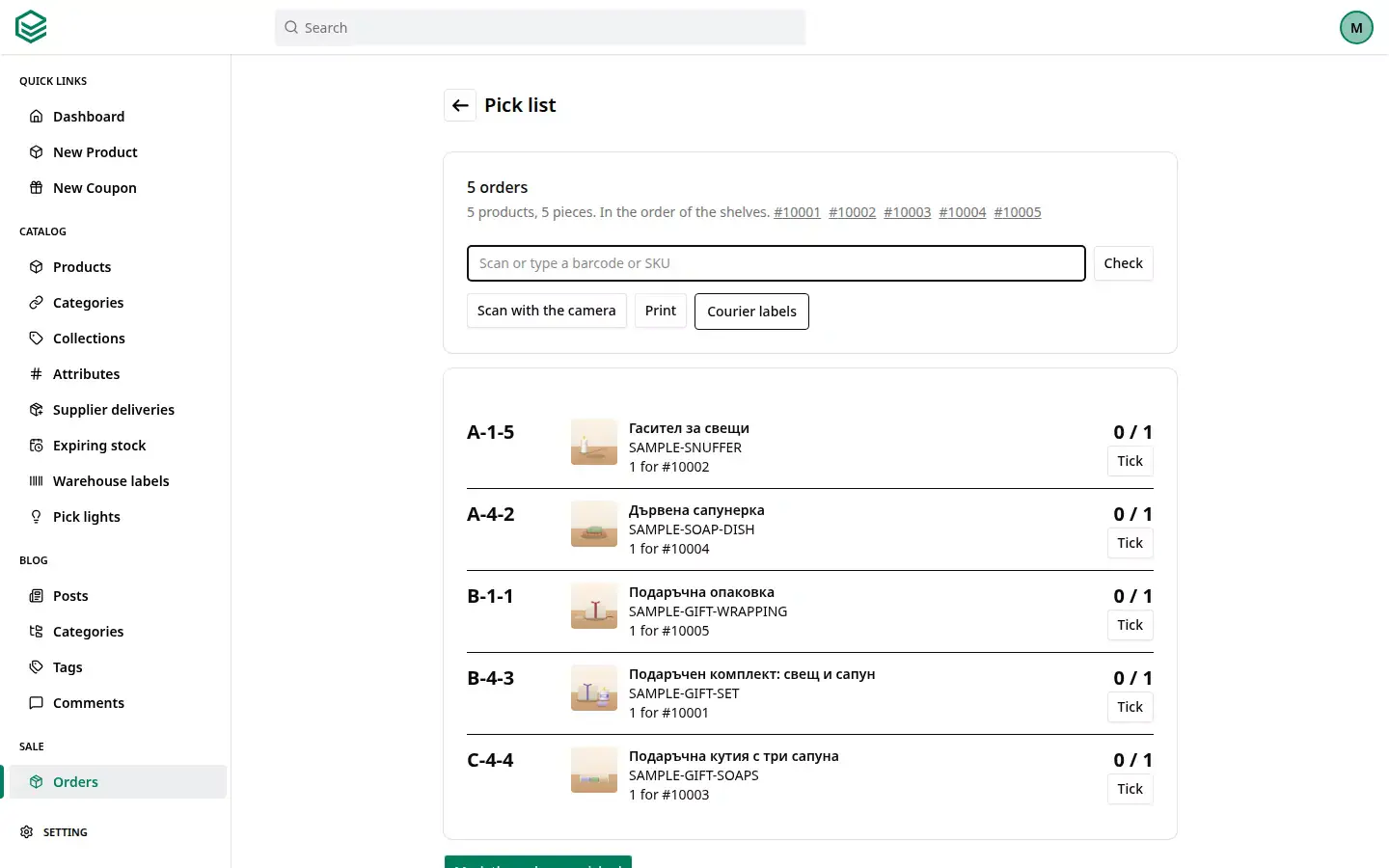
- You make a pick list. That is a list of what to collect for your orders. You choose up to 50 orders. The list is sorted by the way through the warehouse: first A-2, then A-10. So you never walk back.
- You scan while you pick. With your phone's camera or a scanner. The right product turns green, a wrong one red. The mistake is caught before it reaches the customer.
- You mark the orders picked. The stock at each place goes down. Marking does not ship the parcel. You do that in the next step.
- You print the courier labels. The labels for all the chosen orders come out as one file.
Storage places
- Every product has a place, such as "Shelf A, level 2". It can have several places, with a quantity at each. Picking starts at the main place.
- You print labels for the shelves and the products, 100 by 150 mm.
Scanning
- You can use a scanner with a cable (USB) or a wireless one (Bluetooth). You install nothing.
- Or simply your phone's camera, on Android and on iPhone.
- It reads the usual barcodes on goods and QR codes. It also reads the small square codes you see on medicines, for example.
Incoming goods
- You load the delivery from a CSV or Excel file, or scan the goods.
- The shop remembers the columns in each supplier's file. Their next file reads by itself.
- You put the goods in a place and press "Receive". Stock goes up once, with no double counting.
- You mark damaged goods when they arrive. They go to quarantine. That is a separate place, and nothing there is sold.
- You can track batches and expiry dates. What expires first is picked first.
Example: a soap workshop
An invented example: "Sapunena Kashta" makes soaps and creams in Gabrovo. Its yoghurt soap has an expiry date. A delivery of 20 arrives: 12 of one batch and 8 of another, with a later date.
The owner loads the supplier's file, scans the boxes and presses "Receive". Two pieces are crushed. He marks them damaged and they go to quarantine. The next day an order for 14 soaps comes in. The pick list says: 12 from the first batch and 2 from the second. Expired pieces never go on the list.
In words
The AI assistant tells you where a product is, moves stock and makes pick lists. For example: "Where is the blue mug?"
Good to know
- The warehouse is for your own storeroom, even if it is one room. CG Shops does not store or ship goods for you.
- The product's stock stays the main number. If the places add up to something else, you see a warning. So you find the gap quickly.
- A product code in Cyrillic cannot become a barcode on a label. The label then shows the text only. So it helps to keep codes in Latin letters.
- A website without a shop has no warehouse.
The warehouse is included in the price. See all features.
For the technical person
The camera and the scanner read EAN, UPC, Code 128, QR and GS1 DataMatrix.
Frequently asked questions
Do I need a barcode scanner?
No. Your phone's camera is enough, on Android and on iPhone. A USB or Bluetooth scanner works too, with no driver.
Can one product be in several places?
Yes. Each place has its own quantity. The pick list says how many to take from each place.
How do expiry dates work?
You turn on batches and expiry for the product. When goods arrive you enter the batch and the date. The pick list takes what expires first. It never takes what has expired. The shop warns you 30 days before the date, unless you change the days.
What happens to damaged goods at receiving?
You mark how many pieces are damaged and why. They do not go into stock: they go to quarantine. Later you decide calmly: return them to the supplier, write them off, or accept them after all.
How do I print the courier labels?
You choose the orders and press "Courier labels". All labels come out as one file, 100 by 150 mm. See Courier delivery.
You can try the warehouse today with two or three products and one shelf.